

Steel connection design and calculations, outsourced
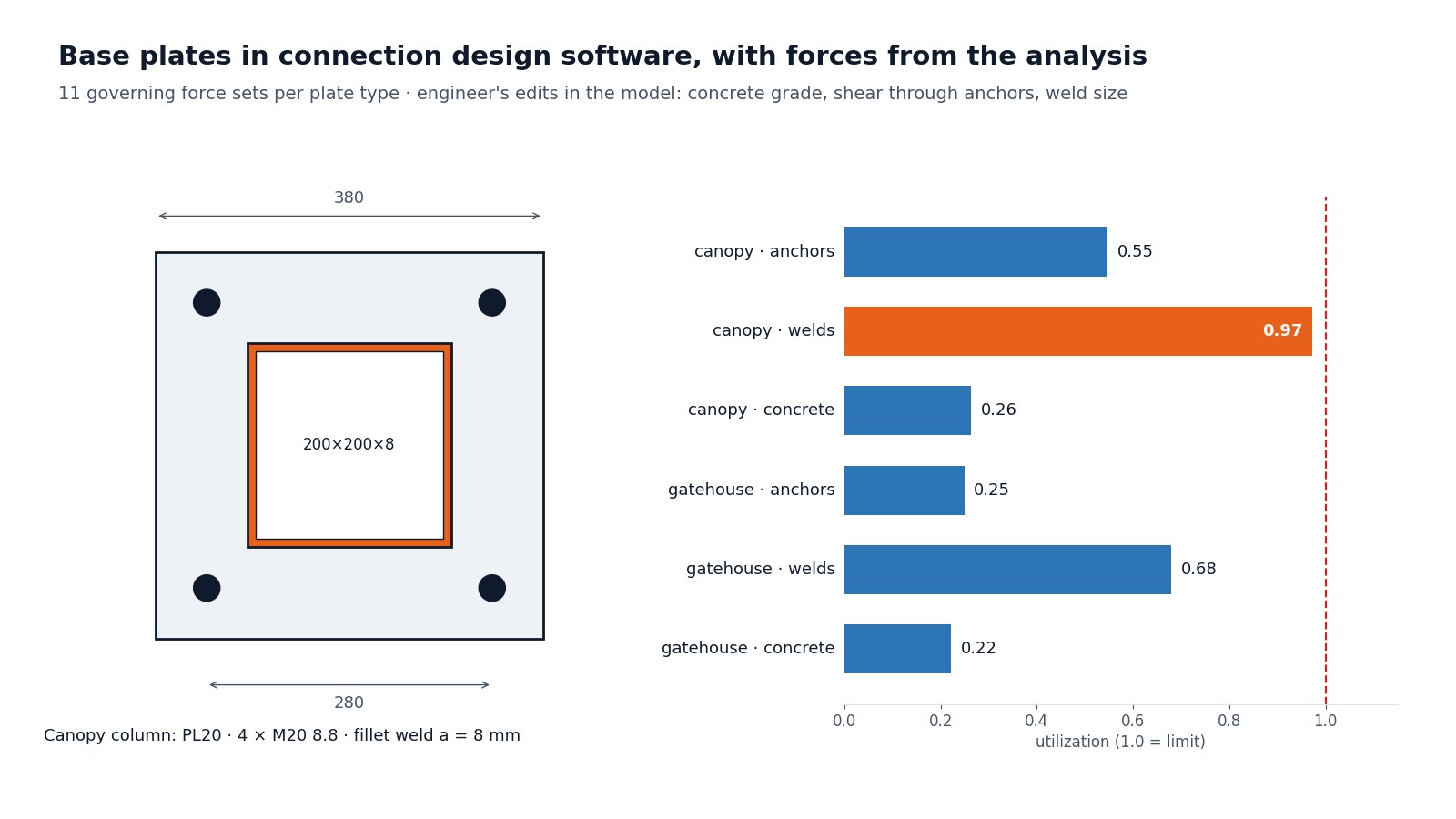
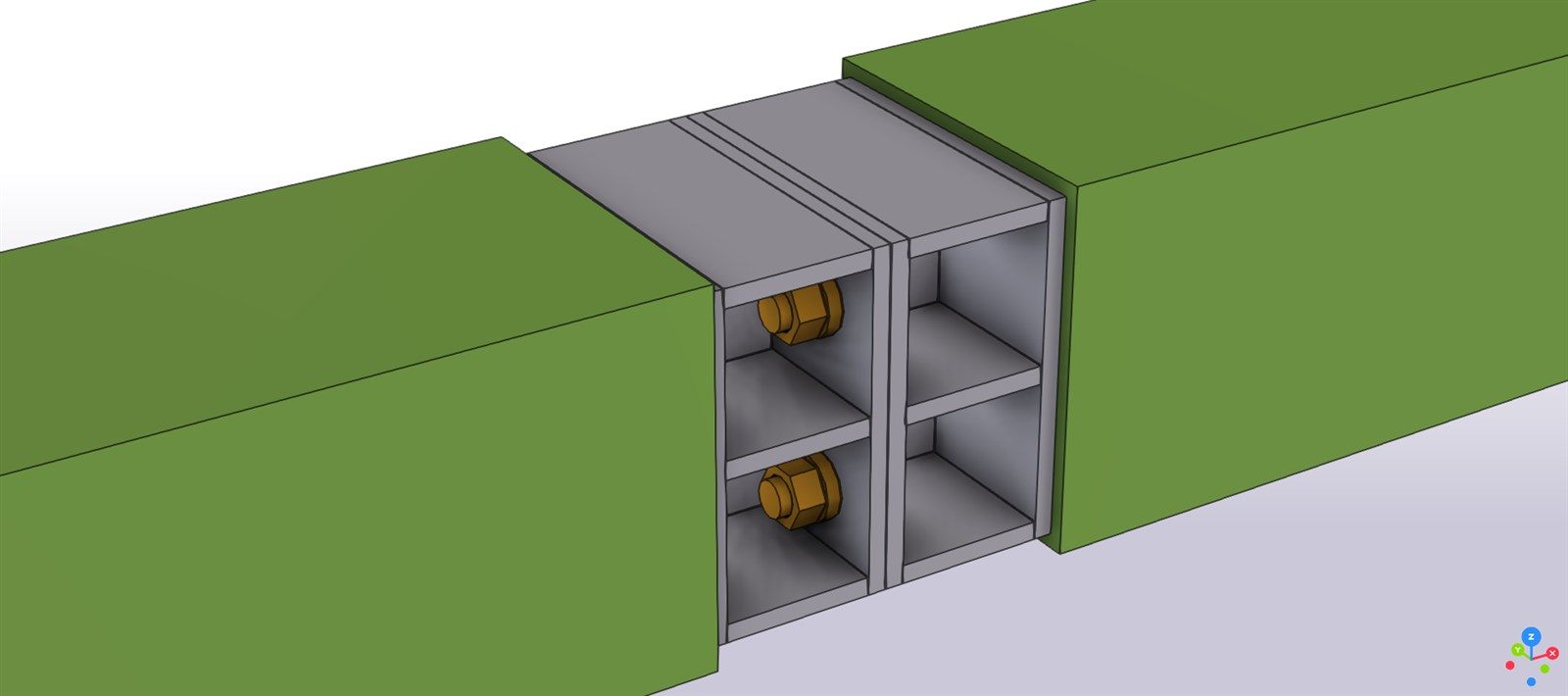
Base plates, beam-to-column joints, knee joints, splices and bracing gussets, checked with the finite element method using the member forces from your analysis, with a check report for every connection type.
Example situation · Detailing offices & engineering firms
← All situationsA detailing office is modelling a two-storey steel production hall. Under the contract, connections are designed on the fabricator's side, and the forces are in the engineer's analysis model. The office needs a calculation for every connection type before the drawings can be approved.
An example situation. The workflow and the projects linked below are real.- Member forces: the analysis model, or a force table per connection
- Connection geometry from the detailing model (IFC) or sketches
- Code, materials, and bolt and anchor preferences
- Shop and site preferences (welded in the shop, bolted on site)
- A connection model and a check report for each connection type: plates, welds, bolts, anchors
- The governing load combination for each joint, taken from the analysis, not typed in
- Plate thicknesses, bolt sizes and weld sizes to put back into the detailing model
- The native connection model files
How it goes
Four steps, all by e-mail.
Group
Connections are grouped into types, and each type is checked with the worst forces from all the places it occurs.
Model
Each type is built in connection design software from the actual member sections and geometry.
Check
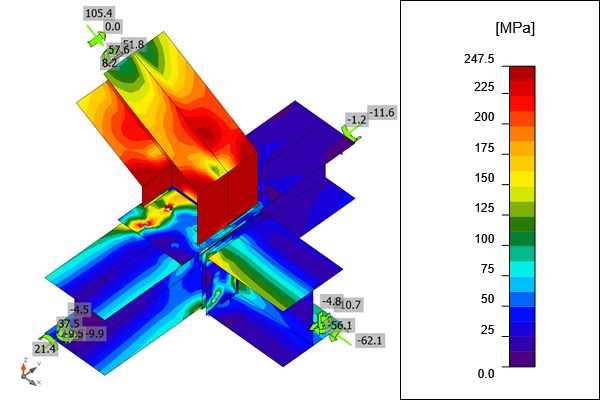
Plates, welds, bolts and anchors are checked with the finite element method for every relevant combination. Failing joints are changed, not argued away.
Back to the model
Final plates, bolts and welds go back into the detailing model, so the drawings show what was checked.
Experience
Good to know
- Eurocode 3, AISC 360 or the code on your contract, set per project.
- A default connection from a software library is a starting point, not a result. It is checked with the real forces like any other joint.
- Codes. Eurocode, AISC 360 or the code your project requires. Tell me which at the start.
- Sign-off. Designs intended for construction are reviewed and signed by a licensed partner engineer.
- Scope and price. Every request gets a written scope and price before any work starts. No job is too small.
FAQ
Questions
Do you check every single joint?
Every connection type, with the governing forces from all its occurrences. For a typical building that means tens of types, not hundreds of separate joints.
Can you work from a force table only?
Yes. If the analysis model can't be shared, a force table per connection type is enough, and the report states which forces were used.
What do we get back for the drawings?
A table of plate, bolt and weld sizes per connection type. If I also hold the detailing model, the model is updated as well.
Is this your situation?
Send what you have and a few lines about what you need. The e-mail opens with a short checklist so nothing important is missed.
info@structomat.com You get a written scope and price before any work starts.