

Walk inside a steel hangar.
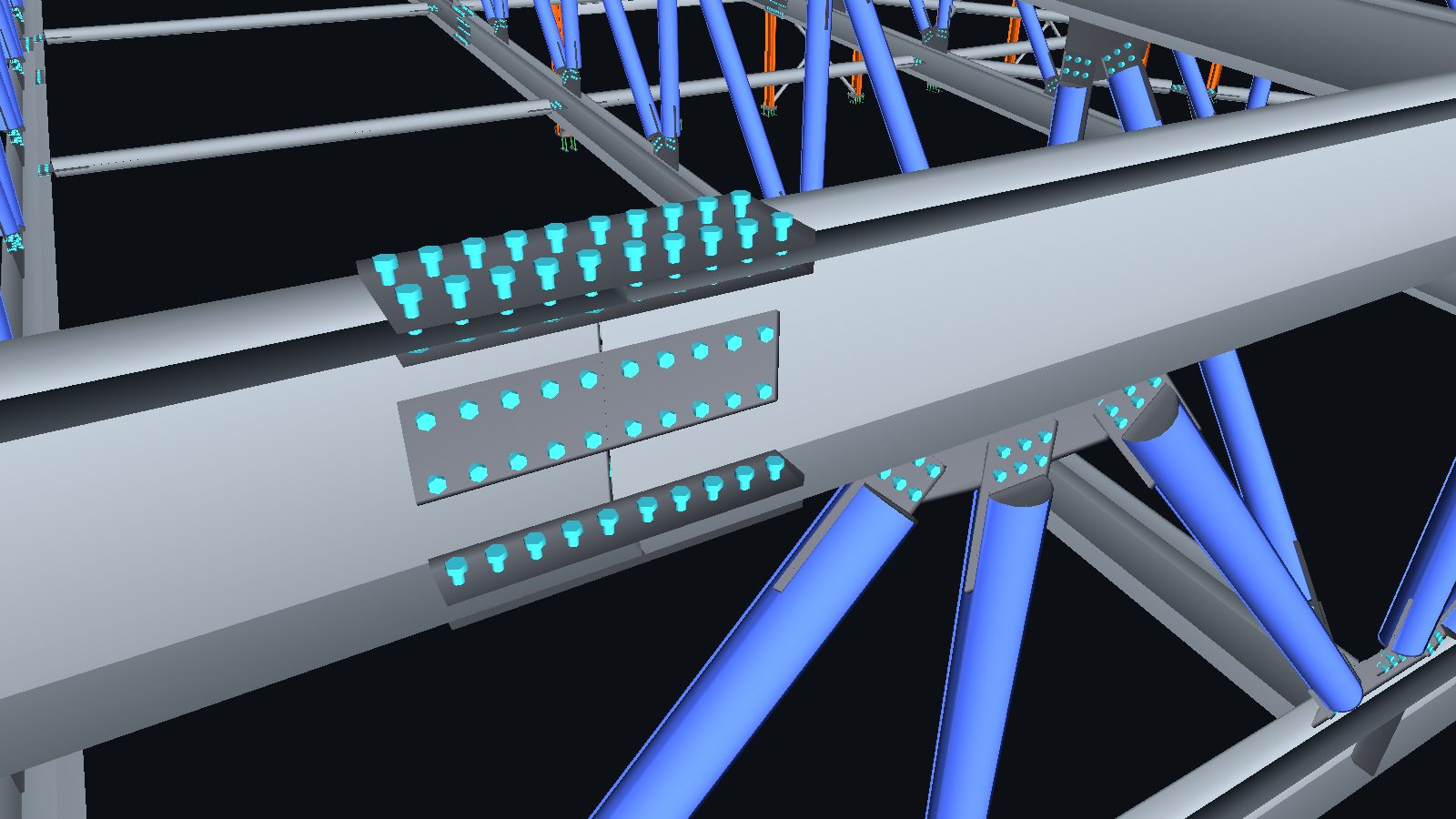
Not a video and not a render: this is the fabrication model itself, with every connection plate and bolt that goes to the shop. Walk on the floor, fly up through the roof trusses, and click any part for its mark, profile, weight and length.
Interactive 3D tour
How to move around
On a computer
- WASD to walk, the mouse to look
- Space twice to fly, Q to come down
- Double-click a joint to fly up to it
On a phone
- Joystick at the bottom left to walk
- Drag anywhere to look around
- Up and Down buttons while flying
Click anything
- Assembly and part mark
- Profile, material and weight
- Part length, elevation and the whole assembly
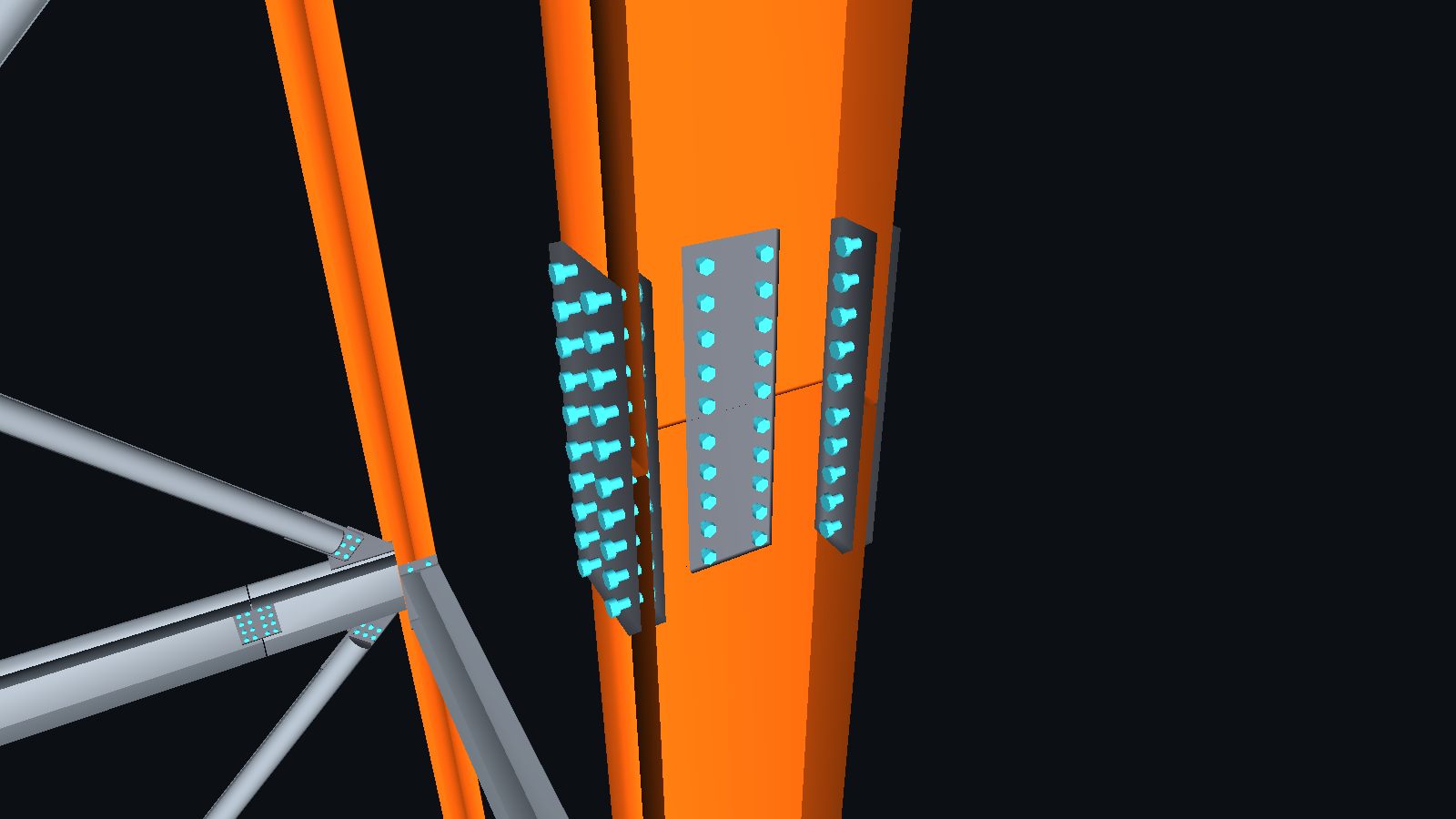
Not a render
The model the shop works from.
Visualization tours are usually built from a separate, simplified model. This one is generated directly from the 3D fabrication model, so what you see is what gets fabricated: cover plates, gusset plates, anchor rods, and bolts placed through the plates they actually clamp.
The same viewer runs offline on a phone for the erection crew, who use it to find where each assembly goes.
Your project as a walkable tour.
Send the 3D model (IFC or a native model file). You get back a single file to share with the client, the investor or the site crew. It opens in any browser, phones included, with nothing to install.
info@structomat.comMore steel models in Work · Prefer a video? Watch the fly-through